Netmaker 1.8 brings better connectivity with a new desktop client, Windows routing, and SSH capabilities.
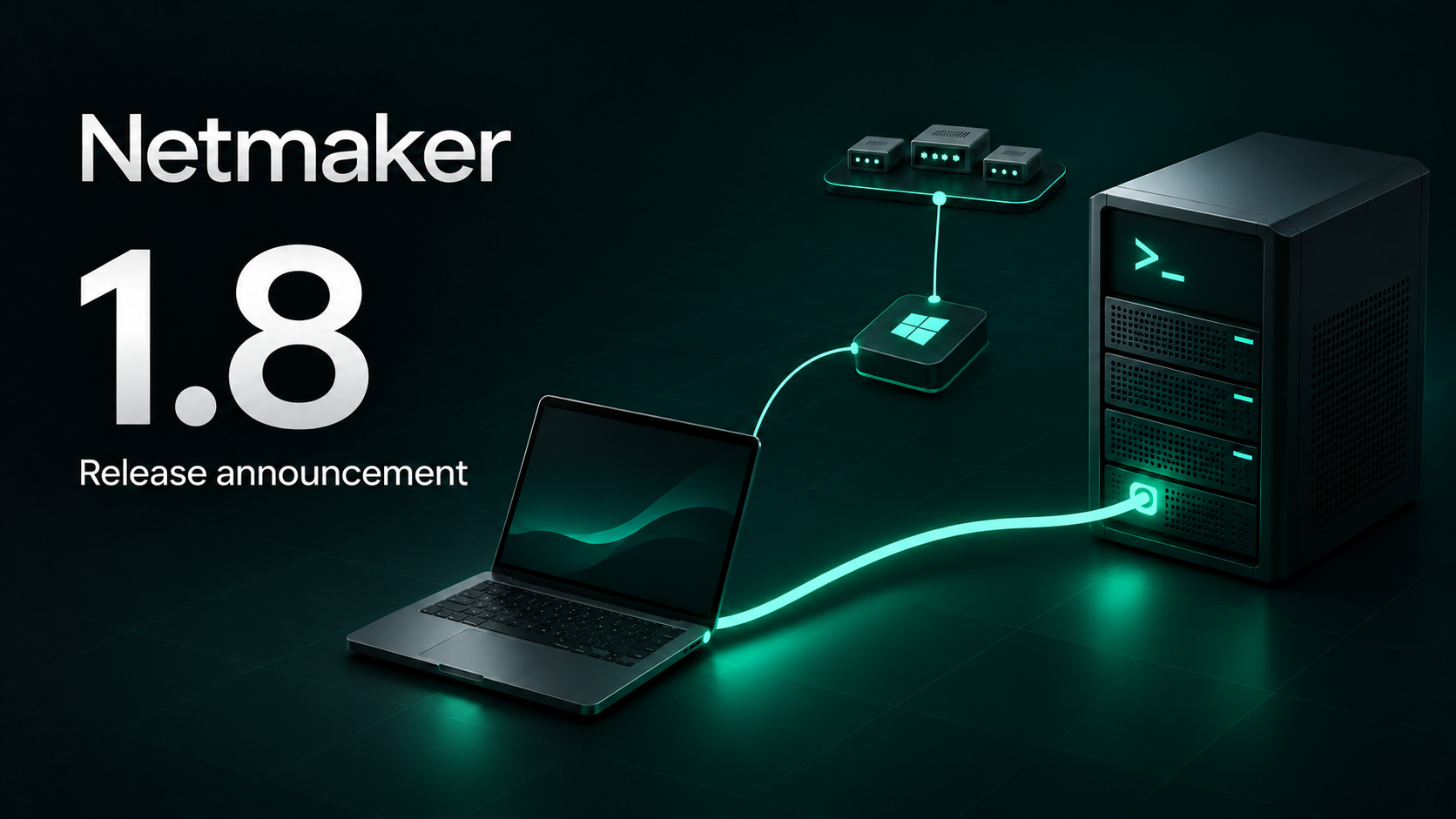

Netmaker 1.8 is here. Netmaker Desktop can now connect directly to reachable peers, Windows devices can route traffic to private subnets or the internet, and Netmaker SSH gives you a way to open a shell on a private server over your Netmaker network.
💻 All-New Desktop Apps
Completely redesigned Netmaker Desktop Apps for a faster, more stable experience.
If you use Netmaker Desktop to reach a private server, your traffic previously went through a gateway even when your laptop and the server could reach each other directly. In 1.8, Netmaker Desktop runs Netclient in the background, bringing the same peer-to-peer networking to the desktop app while keeping the graphical interface and user sign-in.
When a direct connection is possible, traffic skips the relay hop. For example, an engineer connecting from a laptop to a Netclient peer in the cloud can take a direct path, reducing latency and keeping that traffic off the gateway.
Available in CE: Previously limited to paid users, the new desktop apps are open to all.
Peer-to-Peer: Previously using a gateway, desktop devices now join the mesh with direct peering for lower latency and better connectivity.
Fresh UI: A better user experience for connecting to networks and exit nodes.
Improved status visibility for tunnel state and exit modes.
⊞ Use a Windows device as an Egress gateway
Use Window to route traffic from your network peers.
Egress lets a device on your Netmaker network forward traffic to destinations beyond it. Until now, the device doing the forwarding had to run Linux. With 1.8, a Windows machine running the Netclient can fill that role too.
Say your team needs to reach an internal service on an office subnet. If an existing Windows machine can reach that subnet, you can configure it as an Egress gateway and route traffic to the subnet through it. The individual devices on the subnet can stay as they are. You can also use a Windows Egress gateway to route traffic to the internet. .
Advertise: Advertise egress ranges from Windows Netclients.
Route: Route traffic from the mesh to attached LAN/site or the internet.
Enable: Uses Windows NetNat where required for egress NAT.
🔐 Managed Access with Netmaker SSH
Get secure SSH access to devices through Netmaker without needing to open inbound SSH or set up ssh keys.
Netmaker SSH gives users an easier way to access private servers securely over their Netmaker network. If you need to check logs, inspect a running service, or troubleshoot a deployment, you can open an SSH session to a private host and work from its shell.
Admin-Enabled: Enable to run an embedded SSH/SCP/SFTP server on client devices.
User Access: Define access controls to determine who can connect to what.
Other Updates
Netmaker 1.8 is full of enhancements you won’t want to miss, including:
Network Map Updates: An updated network map experience with cleaner topology and device context.
Egress Route Bypass: Traffic to local sites can now be routed separately on networks where internet egress is enabled, allowing traffic to local sites to flow through a separate route without hairpinning through the internet exit.
MSP Org-Level IdP Auto-Provisioning: Connect an identity provider once at the organisation level and automatically provision org users.
Long-Lived API Keys: Create long-lived API keys for automation and integrations, instead of using user session tokens.
Learn More
Check out the full release notes on GitHub.