.svg)
Introducing Traffic Logs
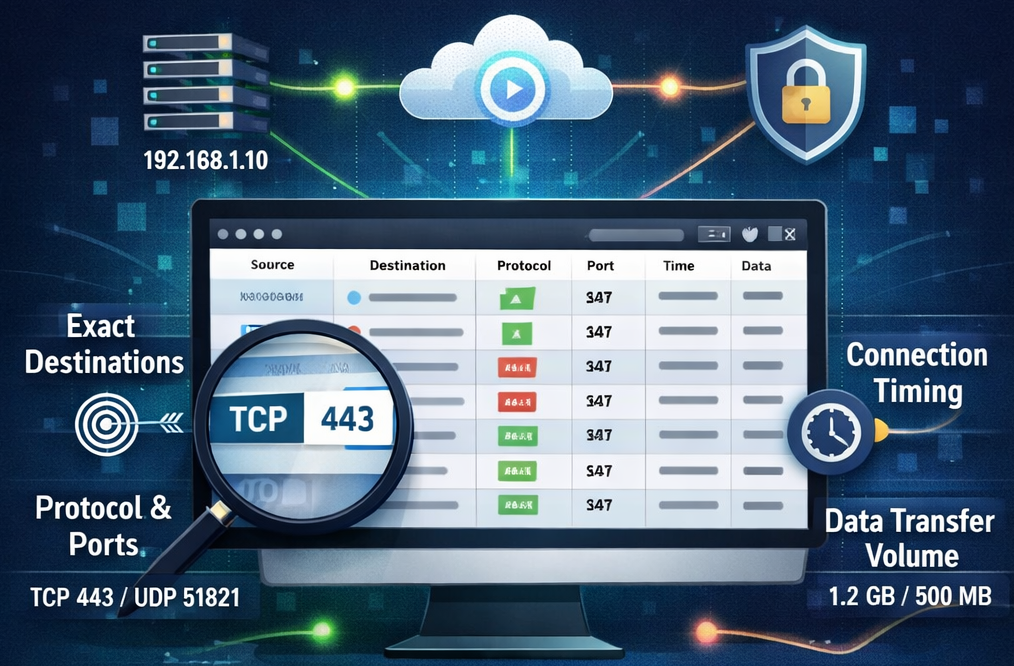

Real-Time Network Visibility: Introducing Traffic Logs
In version 1.4, Netmaker has introduced Network Traffic Logs, a powerful new feature that provides administrators with granular visibility into network activity. This update builds upon previous capabilities, moving beyond simple platform changes and connection status to offer deep insights into actual data flow.
🔎 Enhanced Visibility for Administrators
Previously, Netmaker’s User Logs primarily tracked platform-level changes and when users connected or disconnected to networks. With the launch of Network Traffic Logs, administrators now have a comprehensive view of how services are being utilized across your networks.
You can now monitor:
- Exact Destinations: Identify the specific devices or services being accessed.
- Protocol & Port Data: See exactly which protocols (e.g., TCP) and ports (e.g., 443, 51821) are in use.
- Precise Timing: Track the start and end times of every connection event.
- Data Transfer Volume: View the amount of traffic sent and received in bytes.
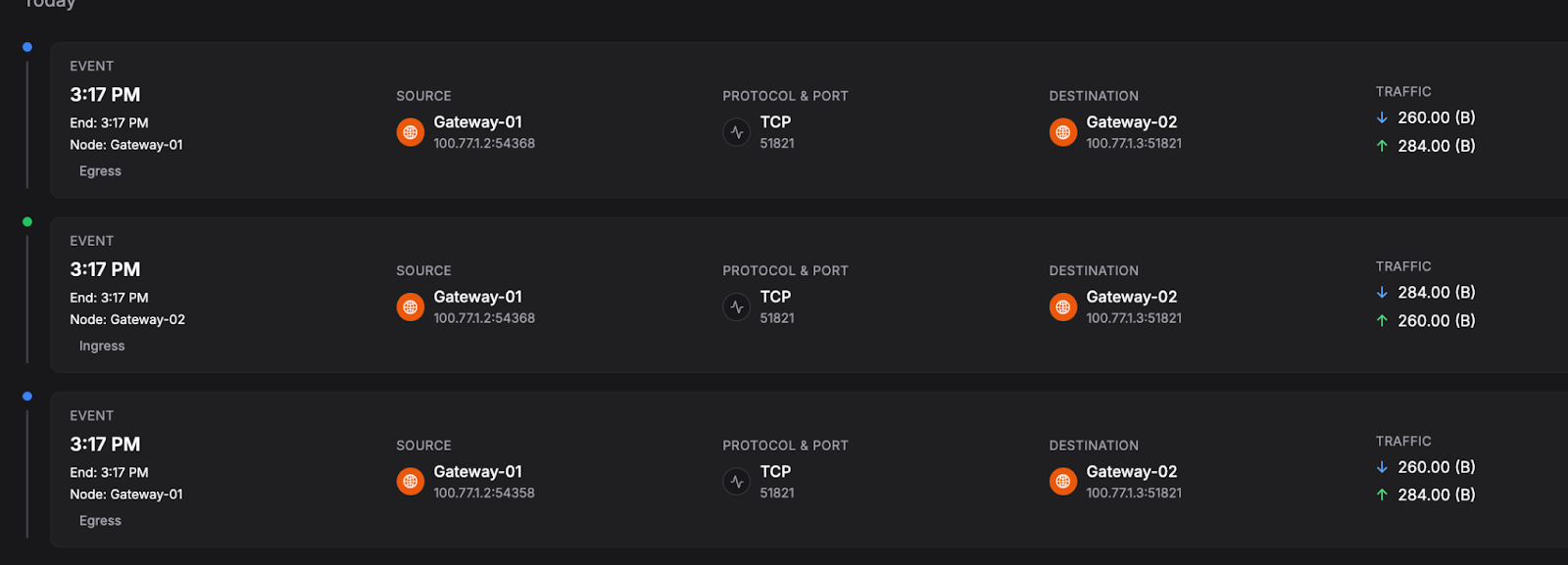
💡Real-Time Insights and Filtering
The new interface allows you to drill down into specific events to troubleshoot issues or audit security.
To help manage large volumes of data, administrators can filter logs by traffic type, source, destination, specific users, or timestamps. Whether you are monitoring who accessed a server at 3:23 PM, or auditing data flow to a private service, the tools you need are now at your fingertips.
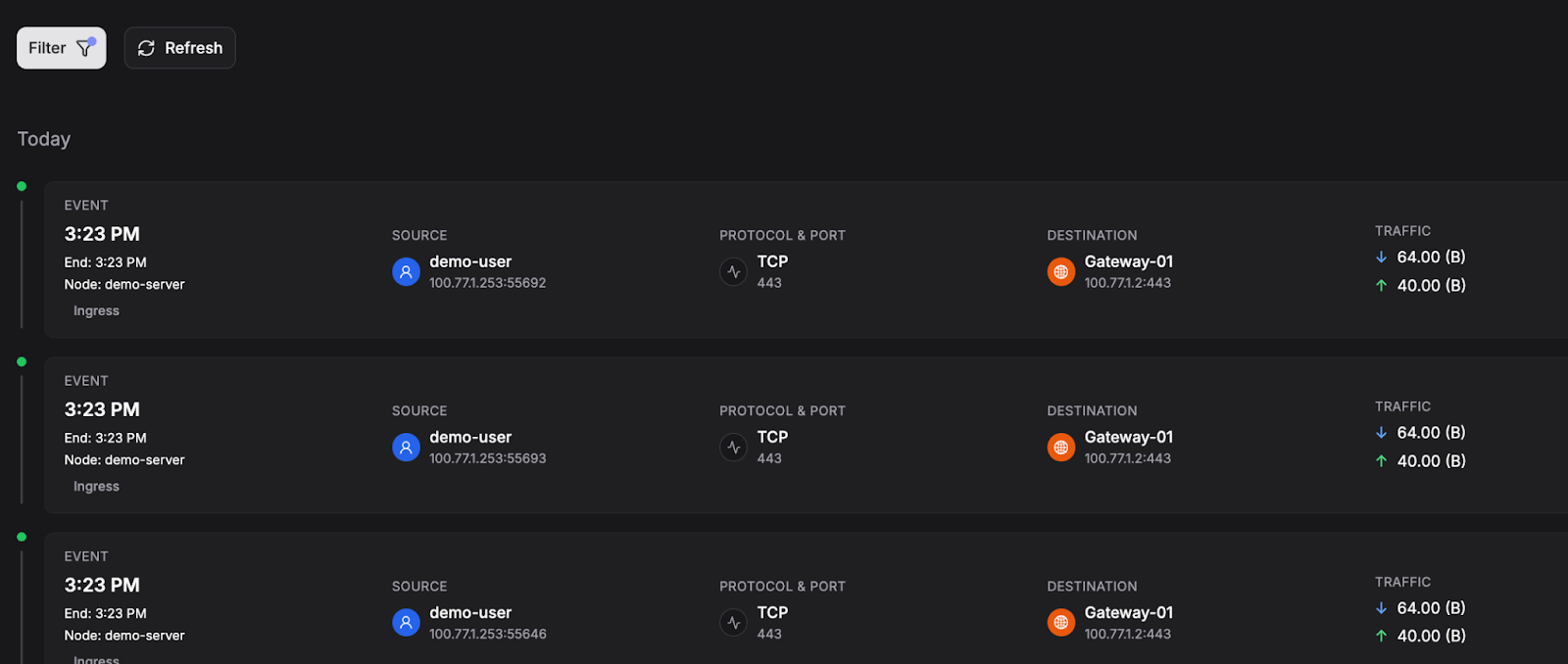
⏫Ready to gain deeper network insights?
Upgrade to Netmaker 1.4 to take advantage of this powerful new capability and start monitoring your network traffic.





.svg)