
Private Kubernetes Access
Private Kubernetes Access for Developers
Run kubectl against private APIs and reach internal applications over Netmaker. Use a gateway VM or the Kubernetes Operator to keep endpoints off the public internet.
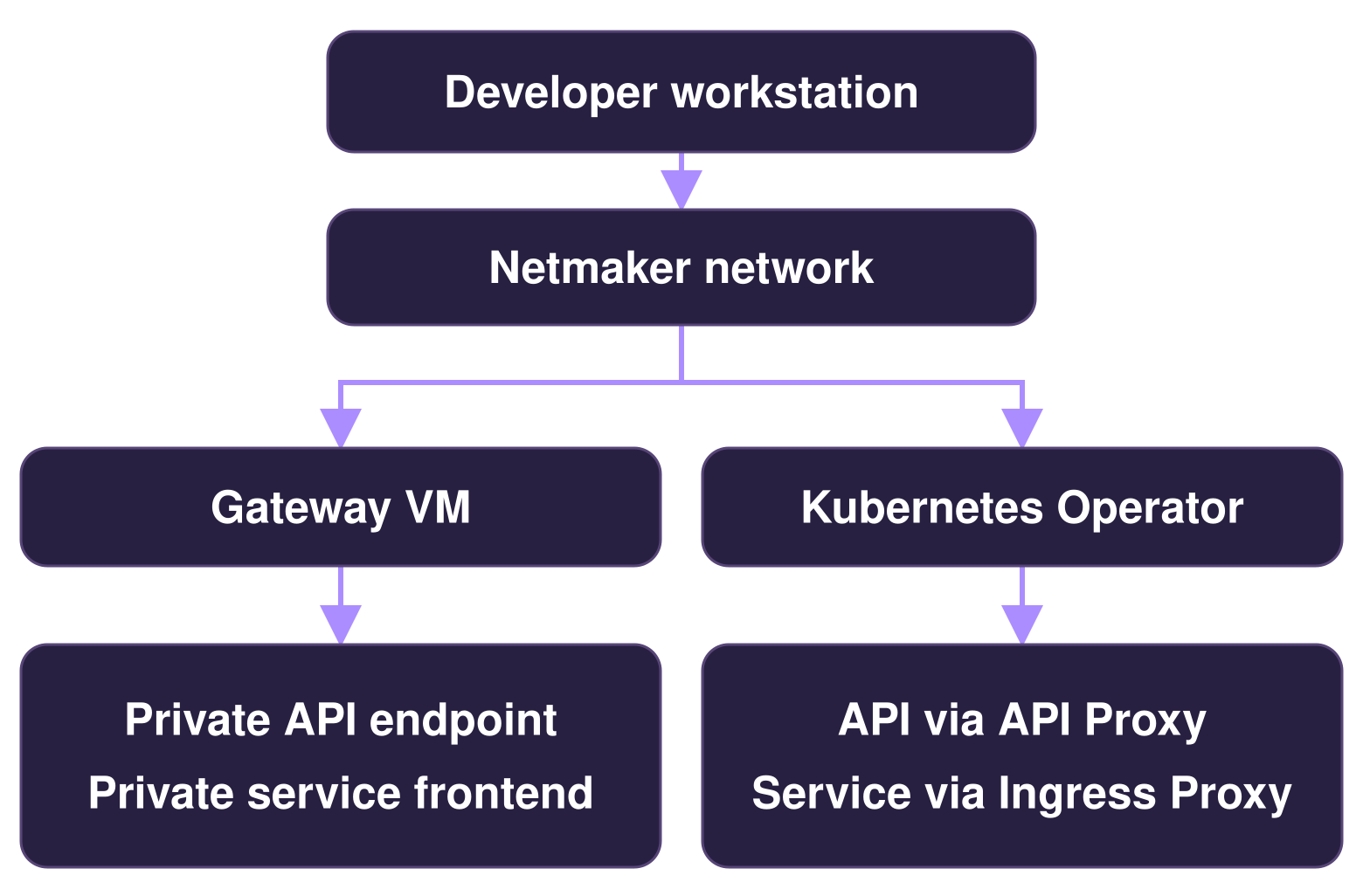
Give developers a private path to Kubernetes
Connect developer workstations to the cluster resources they need. Netmaker controls network reachability. Kubernetes authorization governs API operations, and applications keep their own sign-in and permissions.
Choose how to reach the cluster
Both approaches support Kubernetes API access and internal service access. Use one approach for both destinations, or combine them in the same cluster. Route through a gateway VM or connect through the Kubernetes Operator.
Gateway VM
Run Netclient on a Linux VM with reachability to the private API endpoint and to private application frontends such as internal load balancers. Developers use their existing kubeconfig for API access.
Kubernetes Operator
Use the API Proxy for kubectl access and the Ingress Proxy to reach selected Kubernetes Services. Configure the client and authentication mode for API Proxy access.
Private access across Kubernetes environments
Azure Kubernetes Service (AKS)
Check private API DNS and gateway reachability. Verify the internal load balancer path if you use one.
Amazon EKS
Check private endpoint access, VPC connectivity, DNS, and cluster security group rules.
Google Kubernetes Engine (GKE)
For a gateway VM, check internal IP-based control-plane reachability and authorized networks. DNS-based access uses a separate model.
Self-Managed Kubernetes
Check reachability to the private API listener or load balancer, along with its DNS name, port, and certificate.
Plan Private Access for your Clusters
Try Netmaker
for free
Get a DemoSchedule a demo
Contact sales


